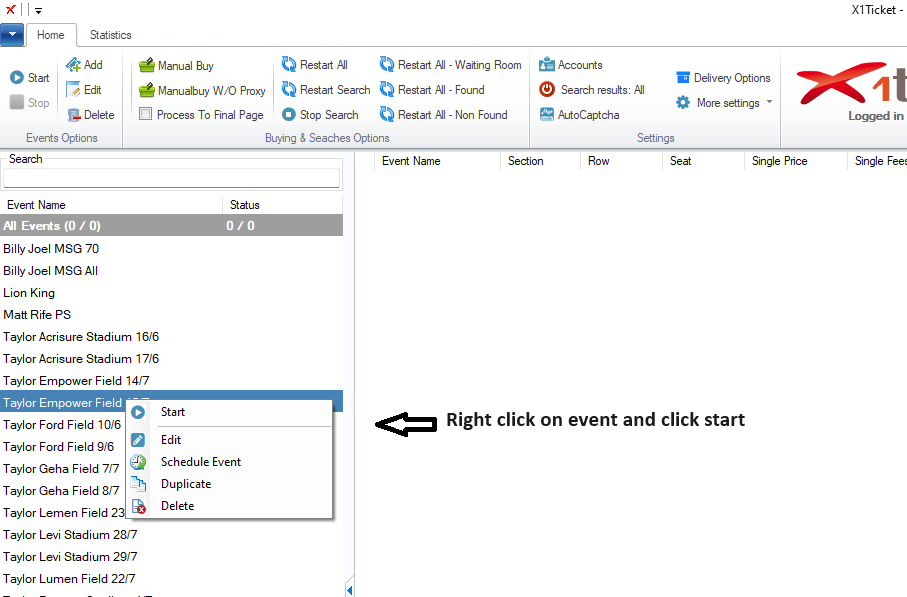
Choose an event you want to start from the left panel witch contains already saved events and then click
the start button from top left menu or right click on any event and click start, you can also double click an
event from the list to start it
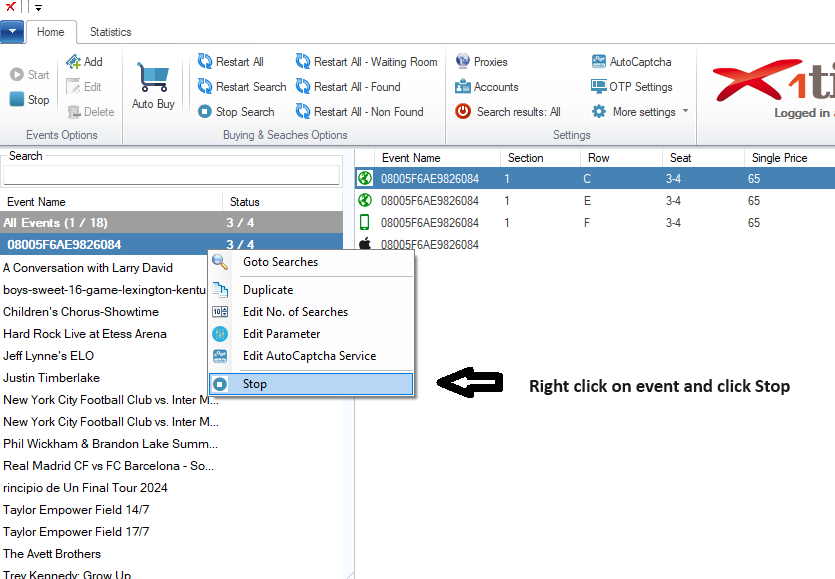
Stop Event
To stop an event, right click the event from the left panel and click the Stop button from top left menu
or you click simply right click the event and click Stop